Nested Loops
Quick Overview of Day
Nested loops.
Nested Loops
Loop in a loop. Can draw interesting things.
Try to figure out what this will do without running it!
Try to figure out what this will do without running it!
Your Turn
You should now attempt to create a sketch that draws a basic chess board (alternating black and white squares). After getting the basic functionality working, see if you can find any ways of making your code more efficient. If you aren’t familiar with chess, here’s what it should look like:
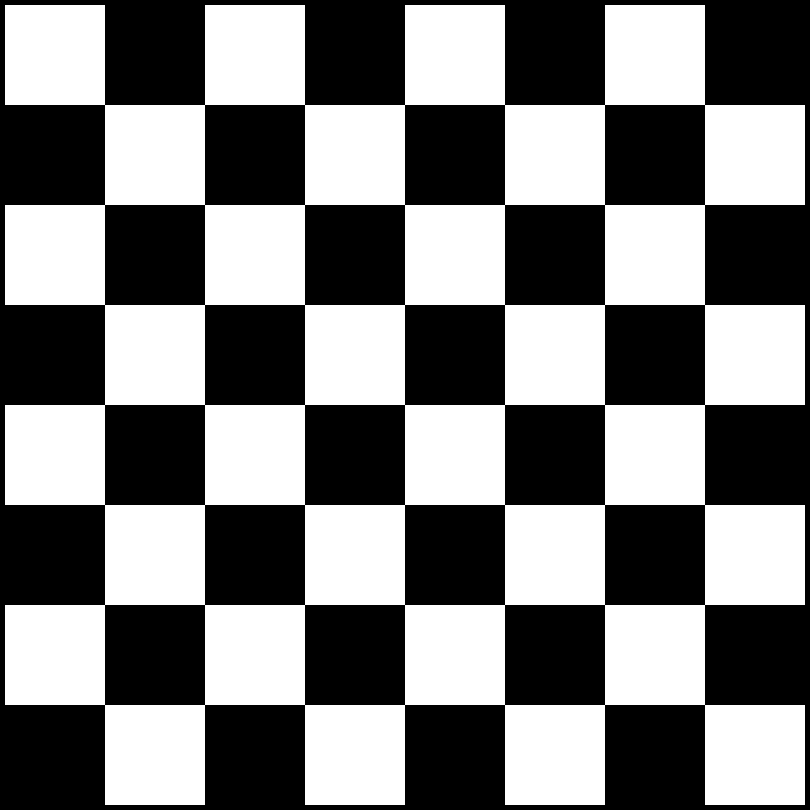
Your Turn
How about this one?
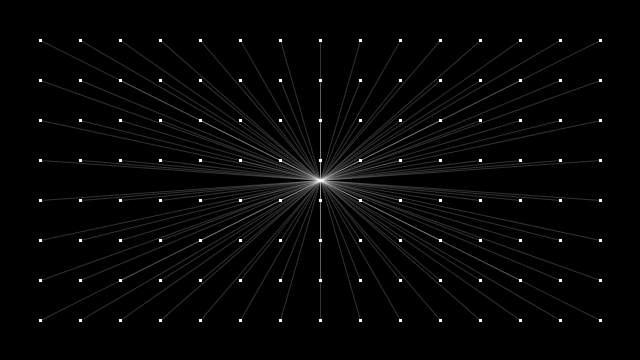
Image Processing
Another interesting use case for nested loops is adjusting the pixels in an image. Using a nested loops, we can loop at every individual pixel (one loop goes through all x coordinates, while other loop goes through all the y coordinates). The following function will create a grayscale version of whatever image is passed to it:
function makeGrayscale(sourceImage) {
  let img = createImage(sourceImage.width, sourceImage.height);

  img.loadPixels();
  sourceImage.loadPixels();

  for (let x = 0; x < sourceImage.width; x++) {
    for (let y = 0; y < sourceImage.height; y++) {
      let p = sourceImage.get(x, y);

      let r = red(p);
      let g = green(p);
      let b = blue(p);

      let newPixel = color((r+g+b)/3, (r+g+b)/3, (r+g+b)/3);

      img.set(x, y, newPixel);
    }
  }

  img.updatePixels();
  return img;
}
Examples / Your Turns
negative images
sepia
spotlight effect (will be super slow in JS)
mirror horizontal/vertical
gradient
radial gradient
Practice Quiz
Needs to be created…